01
Input folders
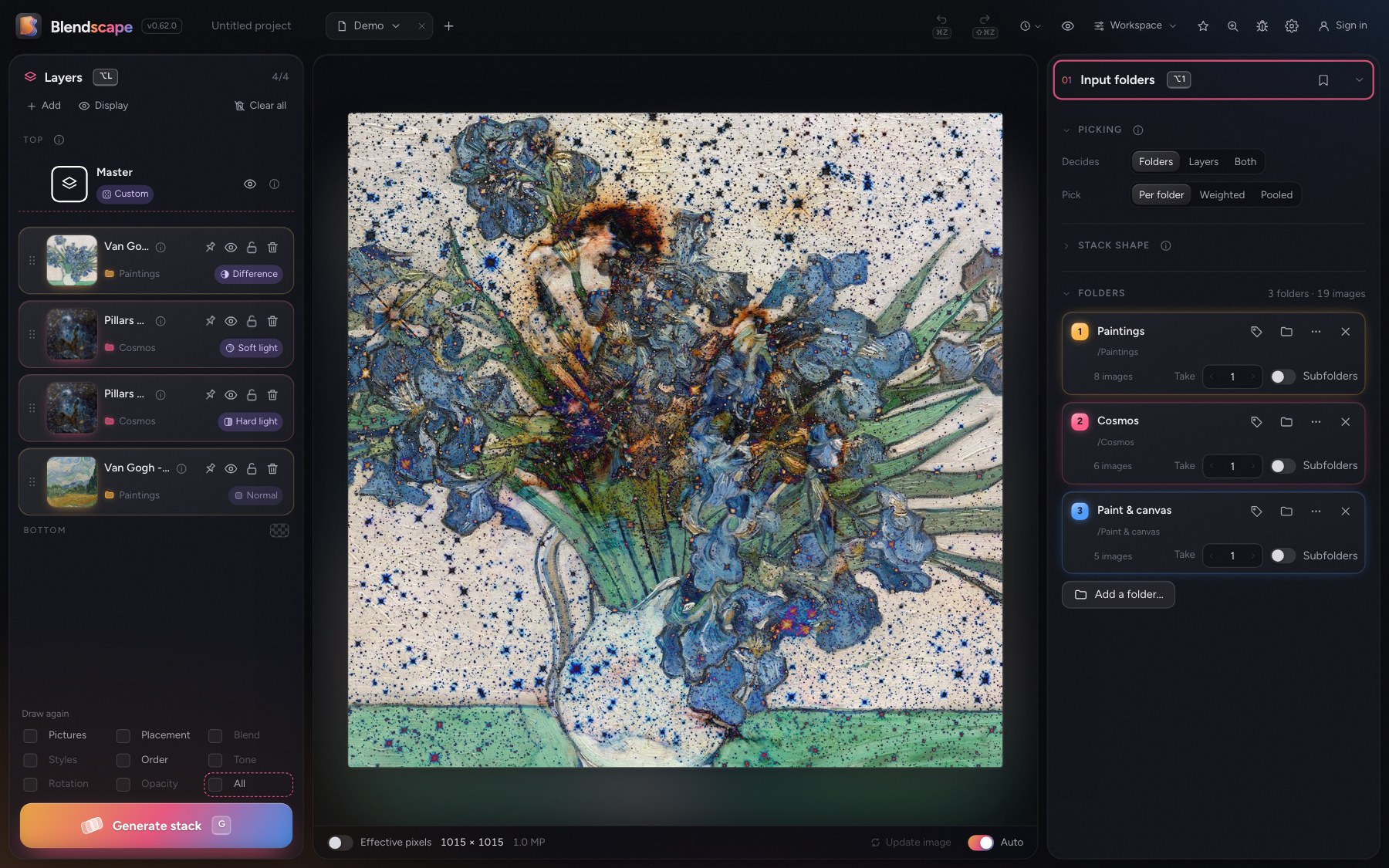
Point Blendscape at folders: holidays, scans, textures, your own graphics. Say how many pictures each one gives, or how much each weighs. Generate picks from them.
 Blendscape
Newsletter
Open Blendscape
Now in alpha
Choose a few folders. Blendscape layers their pictures with blend modes, styles and the rules you set, and shows you where they can go. Keep what you love, at full resolution.
Your pictures never leave your computer. Blendscape runs in your browser: nothing is uploaded.
Each kit is a few folders of public-domain pictures and textures. Every blend below came out of one.
Every press draws a new blend from the kit's folders. Lock a layer to keep it.
Everything below is in the free alpha, in your browser.
Point Blendscape at folders: holidays, scans, textures, your own graphics. Say how many pictures each one gives, or how much each weighs. Generate picks from them.
Any setting can be a range instead of a number, with a curve for where draws fall. Lock what you like; everything else is drawn again on Generate.
A grid of blends around the one you made above. The flame is the hotness: at 0 the blend stays as it is, at 100 everything is drawn anew within your rules. Use the one you like, or grow a new grid from it.
Film, monochrome and duotone looks; adjustments, effects and transforms (curves, grain, glow, perspective, tiling…), on the whole blend or one layer, each with its own random range.
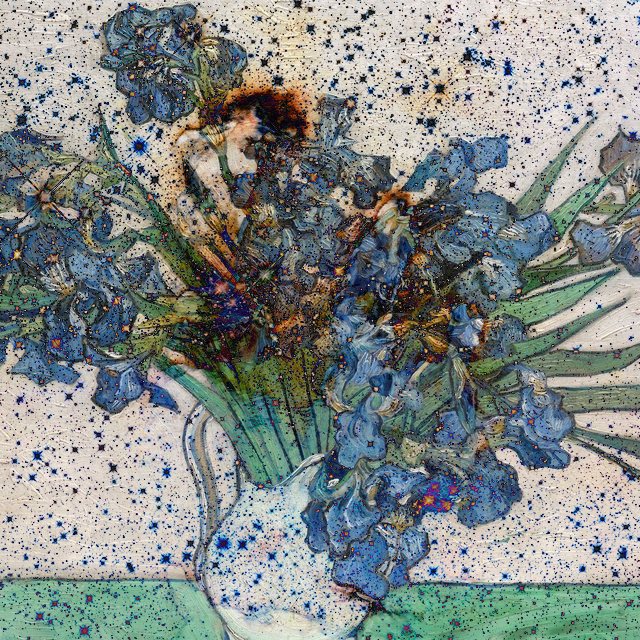
Tick what should change (pictures, blend modes, placement, styles…) and press the Action button: the rest stays put.
Add generated layers (colours, gradients, circles, stars, stripes) and blend them like pictures. Drag across the picture to compare: your blend's pictures alone, then with a gradient and shapes.
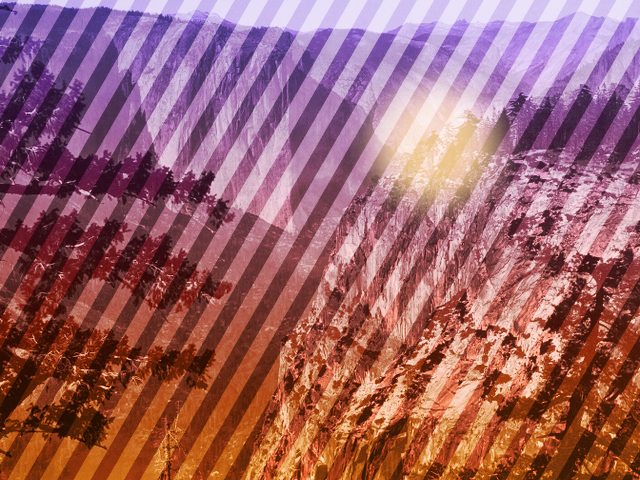
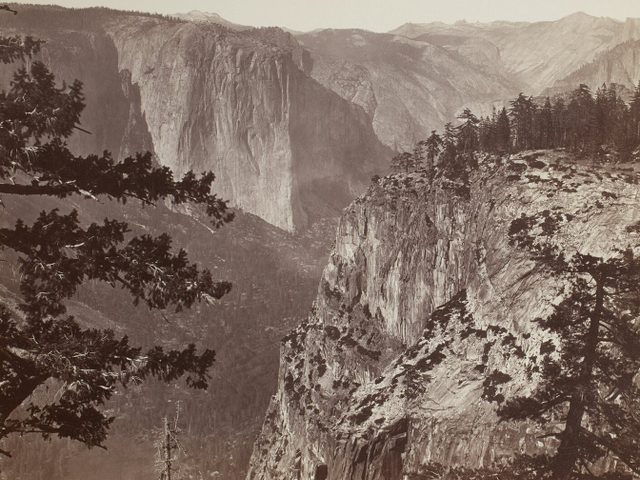
One render, several files: JPEG for sharing, 16-bit PNG or TIFF for print, each with its own size, name and folder. Bulk export makes hundreds of blends in one go, each with its recipe to reopen it.
Free with an account; Pro for full resolution and no limits. Without an account, exports are web-sized (2048 px).
New features, tips and works from the community, about once a month.
Blends people made with Blendscape and chose to share.